- TeamViewer v8.0.1432
- Size 11 MB
- Requires Android 2.1 and up
- Play Store Link - Visit
- Developer - Visit
DOWNLOAD
Description
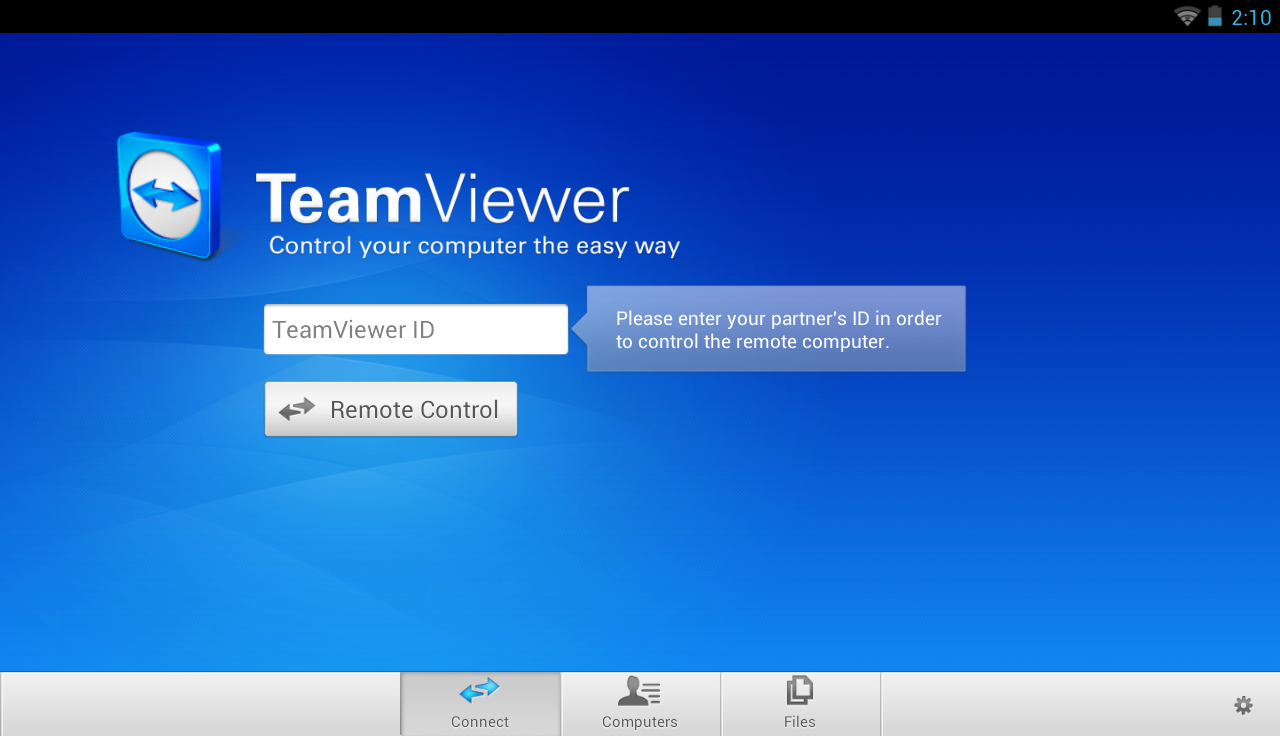
Mobile and flexible: remotely access computers from your android device!
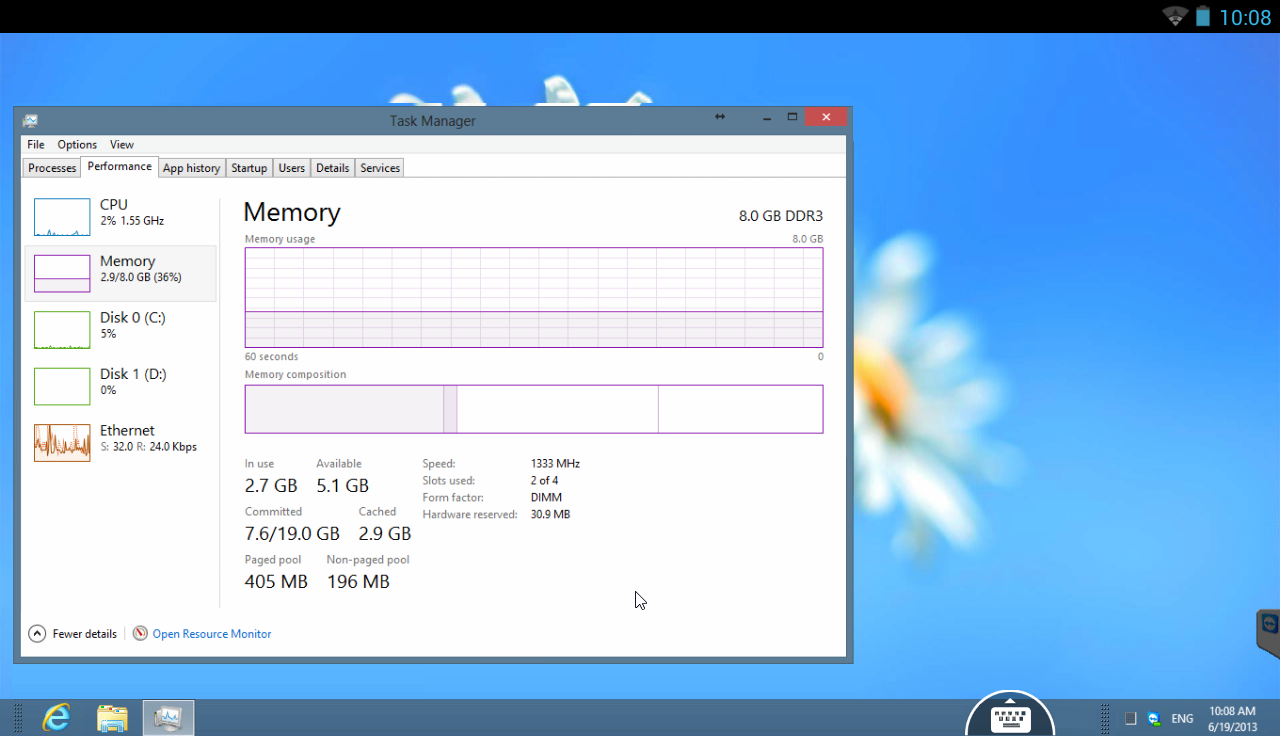
Easily support friends and family when they have computer problems - no matter where you are. You can also benefit from gaining access to your private home computer to edit documents or use particular software while you are on the road.
Features
- Both spontaneous support for friends & family and access to unattended computers (Windows, Mac, Linux) are possible - also during a telephone call
- Transfer files from your Android mobile device to any computer and vice versa
- Conveniently control remote computers using the multi-touch gestures: left click, right click, drag & drop, scroll wheel, zoom
- Complete keyboard control incl. special keys such as Ctrl, Alt, Windows®
- Meets highest security standards: 256 Bit AES Session Encoding, 1024 Bit RSA Key Exchange
- Effortlessly access computers behind firewalls and proxy servers
- Automatic quality adjustment
- Remotely reboot the computer
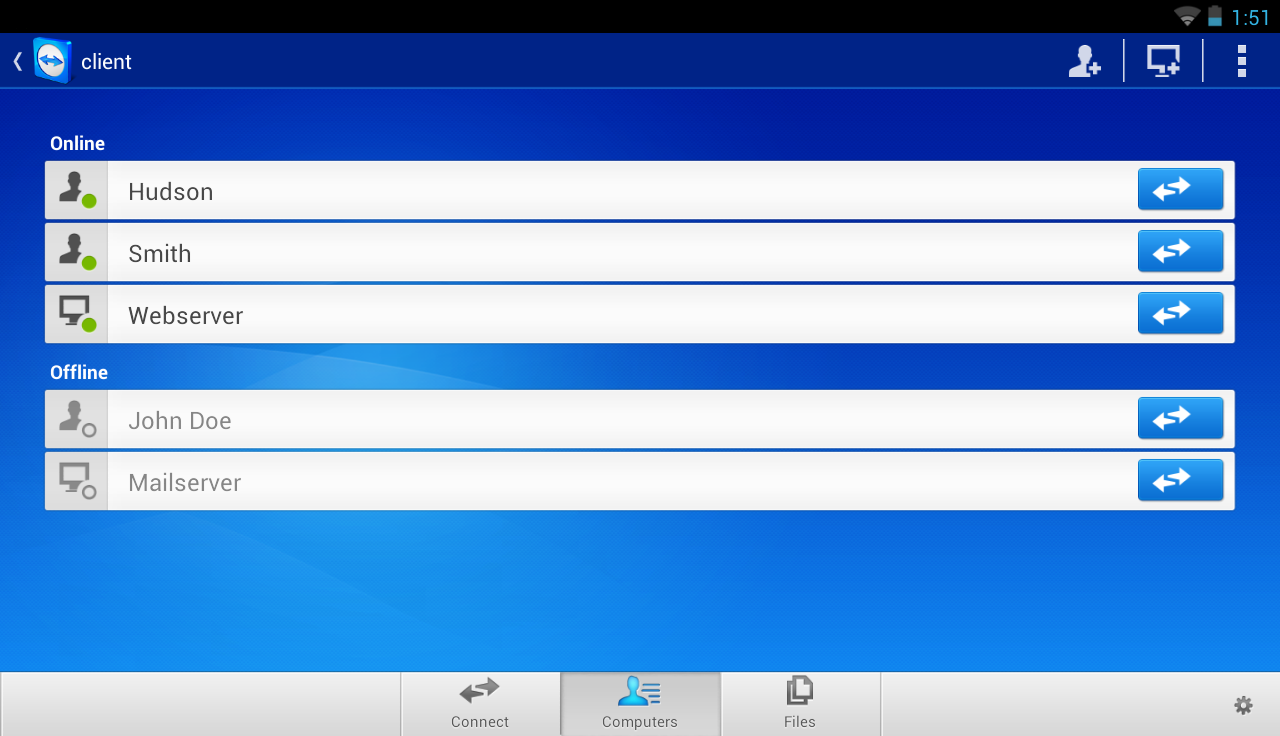
- Overview of friends and computers that are online - via the integrated computer list
- Tablet ready
Private use
TeamViewer Free is intended for private use only, e.g. to access your private computers or help friends with their computer problems.
Change Log
- Lock remote computer” at the end of the session can be set to: Auto select, Always, or Disable
- Play computer sounds and music” can be deactivated
- Clipboard synchronization
- When leaving the app during a connection, possibility to return to the open session by clicking on the TeamViewer icon on the desktop
- Various other minor fixes and improvements
Images
Downloads
Download